 PhoneLab
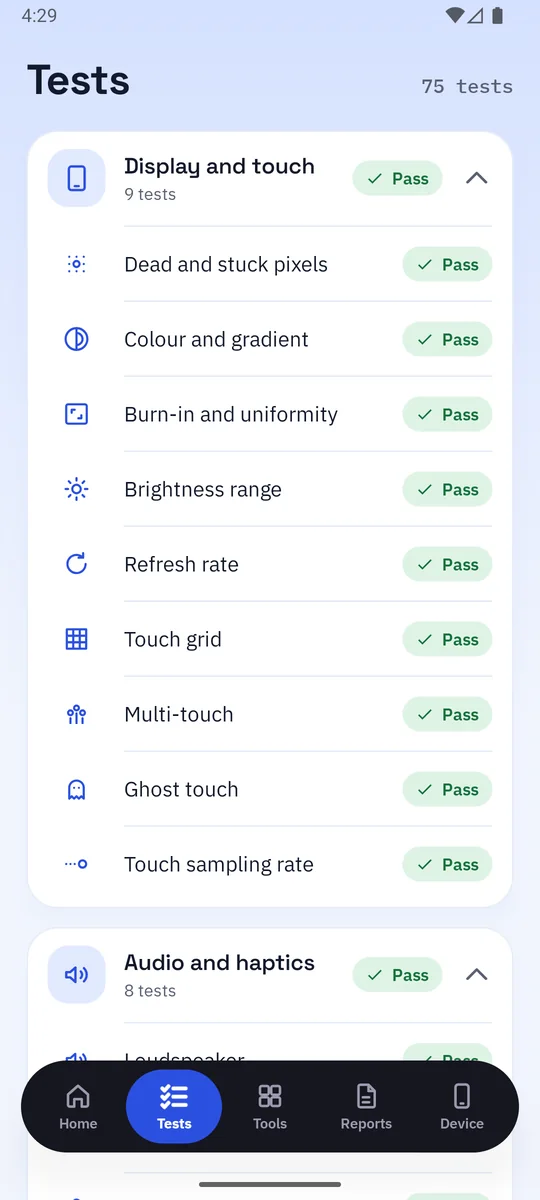
Display and touch 9 tests
Dead and stuck pixels, colour and burn-in, brightness, refresh rate, and a touch grid that maps every part of the glass.
PhoneLab checks the screen, touch, speakers, microphones, cameras, sensors, battery, buttons and more, then gives one clear score. Use it before you buy a used phone, before you sell yours, or after a repair.
Some tests measure on their own, some ask you to look or listen, and a few ask you to tap what you saw, so a guess can't pass them. Each part gets a weight, and together they make the score out of 100.
Dead and stuck pixels, colour and burn-in, brightness, refresh rate, and a touch grid that maps every part of the glass.
Loudspeaker, earpiece, both microphones, stereo balance, headphones, Bluetooth audio and the vibration motor.
Every rear and front camera, autofocus, flash, video recording, zoom and stabilisation, and spots on the lens.
Accelerometer, gyroscope, compass, proximity, light, barometer, auto-rotate, step counter and the fingerprint reader.
Wi-Fi, Bluetooth, NFC, GPS, mobile network and SIM slots, the USB port, OTG, eSIM, and IR or UWB where fitted.
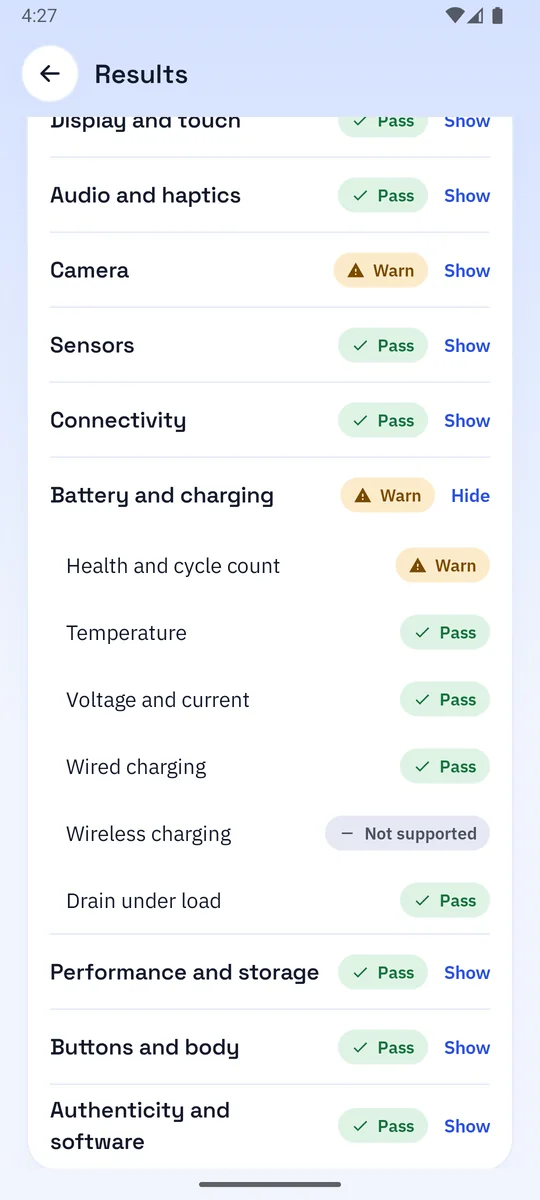
Health and charge cycles, temperature, voltage and current, wired and wireless charging, and drain under load.
Processor and graphics, memory, real storage size and speed, heat under load, and the memory card.
Volume, power and other keys, the stylus, the ports, and a guided look at the frame, back and screen glass.
Signs of root or an unlocked bootloader, a model that matches its specs, patch age, account lock and the IMEI.
A Quick Check takes a few minutes. A Full Check runs all 75 tests. Either way, PhoneLab tells you what to do at each step.
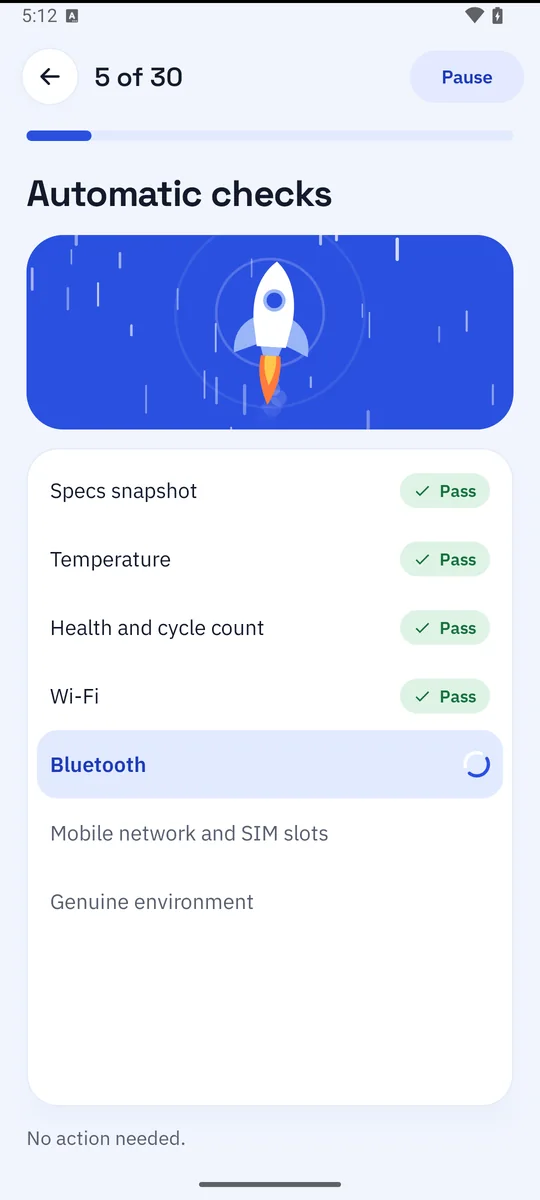
Choose Quick or Full. The rocket lifts off, and the automatic tests run one by one while you watch them tick off.
Touch the grid, listen to a tone, count the dots you see. Permissions are asked only when their test comes up, and you can skip any.
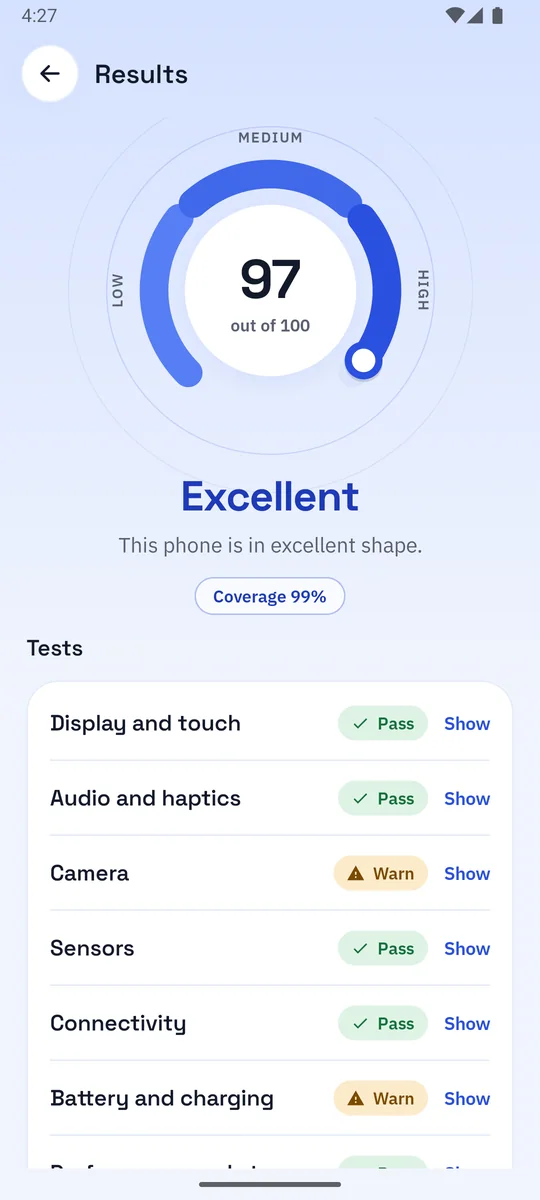
A score out of 100 with a verdict, a pass or fail for every part, and a report you can save as a PDF or image.
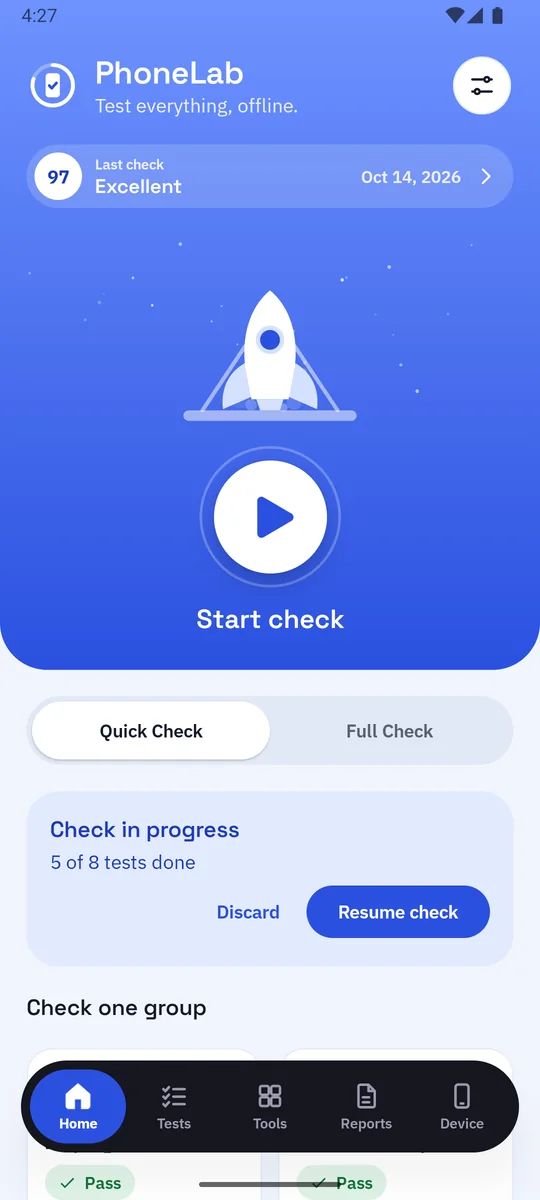
On the app's Home screen the rocket waits on its pad. Press Start and it lifts off as your check begins.
These are screenshots from the app, in its light and dark themes.
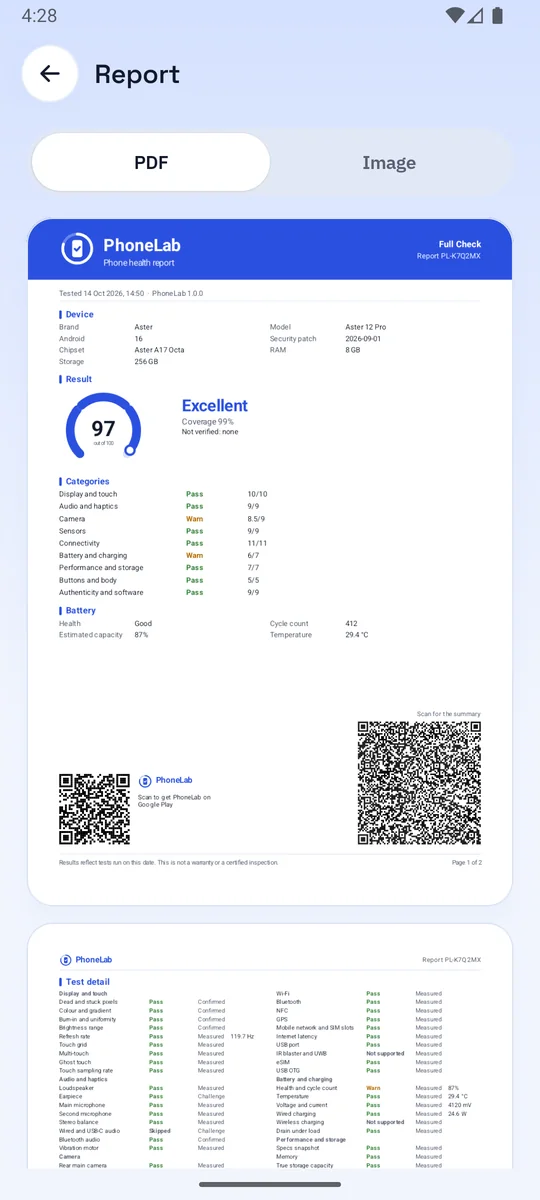
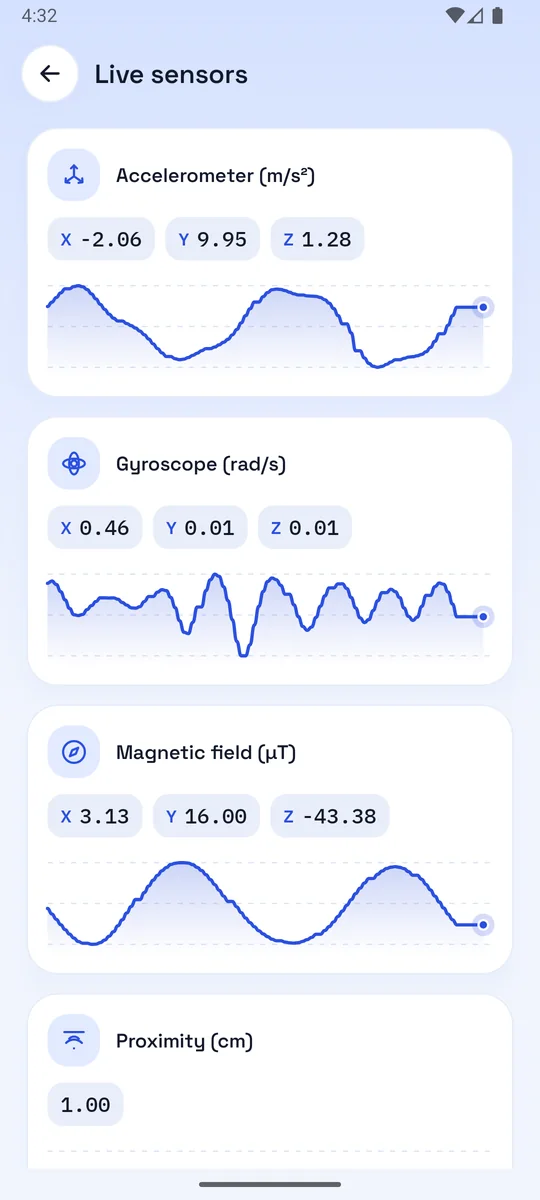
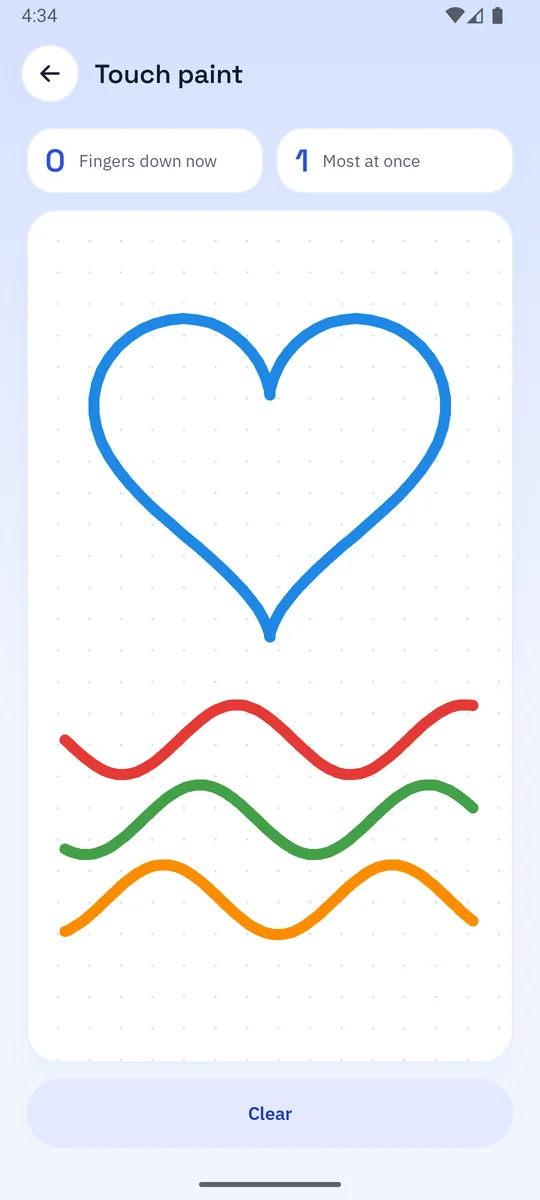
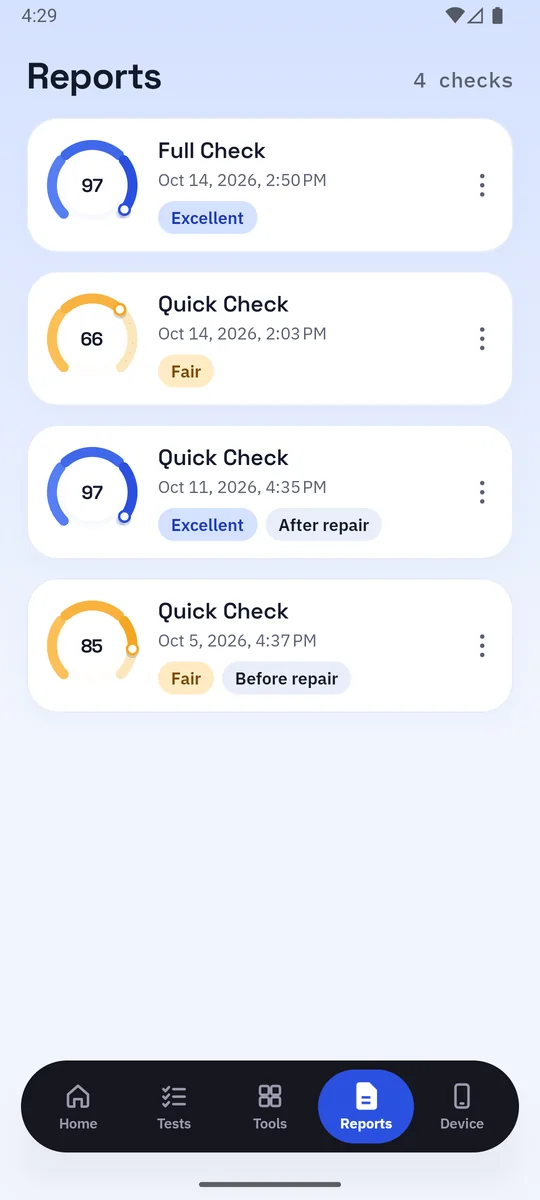
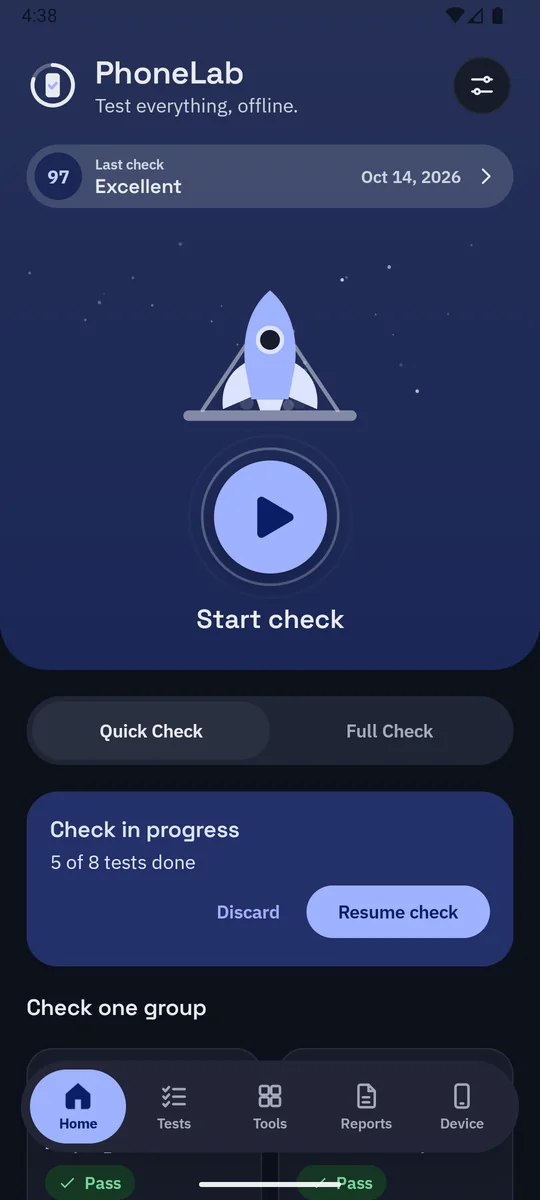
Selling a phone? Buying one? Send a report that shows what was tested, when, and how it did. It is made on the phone, and it only leaves when you share it.
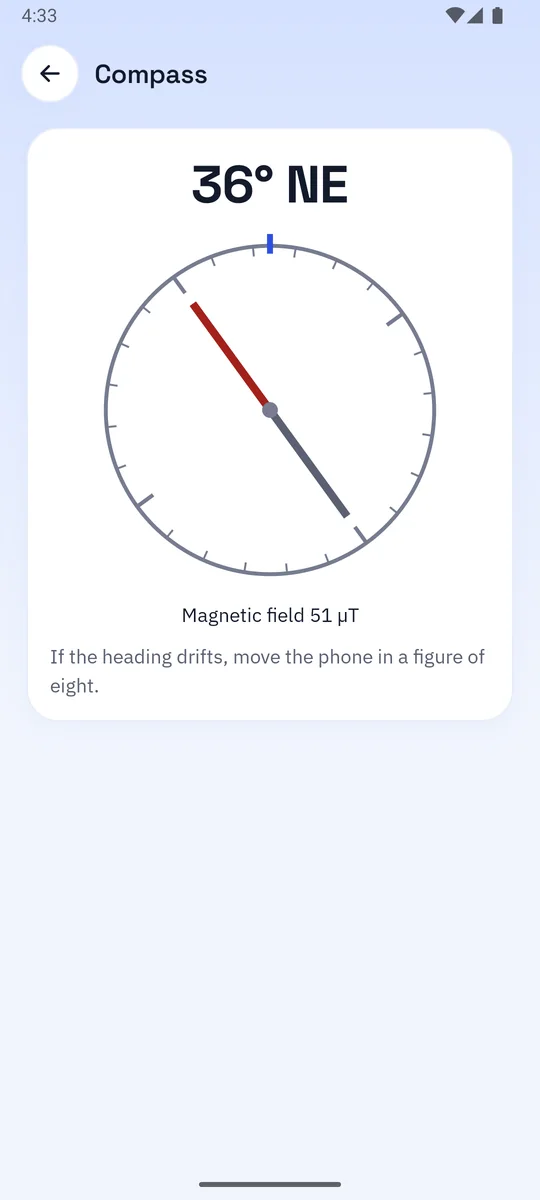
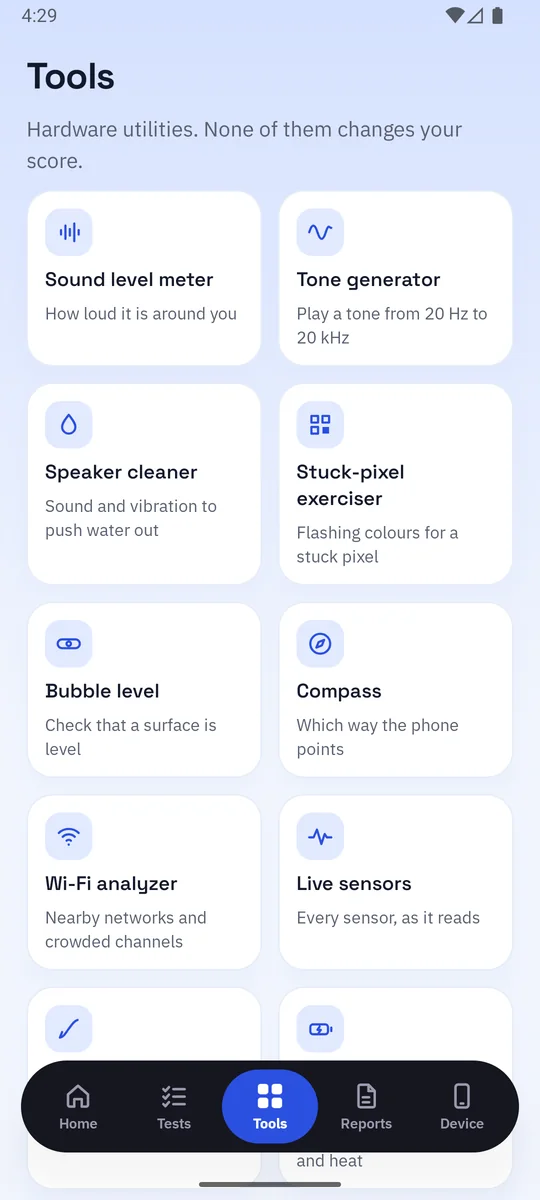
They don't change your score. They're there when you need to measure, find or fix something.
PhoneLab needs no account and has no server of its own. Every test runs on the phone, and results are kept in the app's private storage until you delete them. To keep it free, PhoneLab shows a few ads between checks, never during one. Ads use Google AdMob, and crash reports and basic usage events use Google Firebase, never your results. Where the law asks, you choose. Read the privacy policy.
Yes. Every test, tool and report is free. A few ads keep it that way: a full-screen ad may show after a check (never your first one, and never during a test), and saving or sharing a report asks you to watch one short ad for that report. If an ad can't load, the app carries on without it.
No. The tests, tools, score and reports all work offline. The internet is used for ads, crash reports and basic usage events, checking for updates, and the one test that checks your internet connection. New versions of the app are required, so when the phone is online, PhoneLab may ask you to update before you carry on.
Only to test those parts. The camera test needs the camera, the microphone test needs the microphone, and Android requires location to show GPS satellites and nearby Wi-Fi. Each permission is asked when its test comes up, with the reason, and you can skip it. Skipped tests are simply left out of the score.
Each part of the phone has a weight: the display counts most, then the battery, cameras, audio and connectivity. A pass counts in full and a warning counts half. A failed critical test, such as the touch screen, caps the verdict, and a check that covered too little is marked partial.
Yes. That's one of the things PhoneLab is made for. Install it on the phone you want to buy, run a Quick Check together with the seller, and keep the report.
No. Tests read the hardware, play sounds and show colours. The sound tests turn the volume up for a moment and put it back afterwards, and the storage test writes a temporary file and deletes it straight after. Your settings, photos and files are left as they were.
Android phones and tablets running Android 8.0 or newer. Tests for parts a phone doesn't have, such as a stylus or a hinge, are marked "Not supported" and don't count against it.
Install PhoneLab and find out what your phone is really made of.